
Replace Your Competitor Tracking Spreadsheet with Palrox in One Day
Synopsis
Migration post for teams using spreadsheets, Notion, or bookmarks. Walks through the exact steps. Addresses the two most common objections. Ends with a before-and-after of what the tracking process looks like after the switch.
The Spreadsheet That Nobody Updates
If you are still using a competitor tracking spreadsheet, this post walks you through replacing it with automated competitor monitoring in under a day.
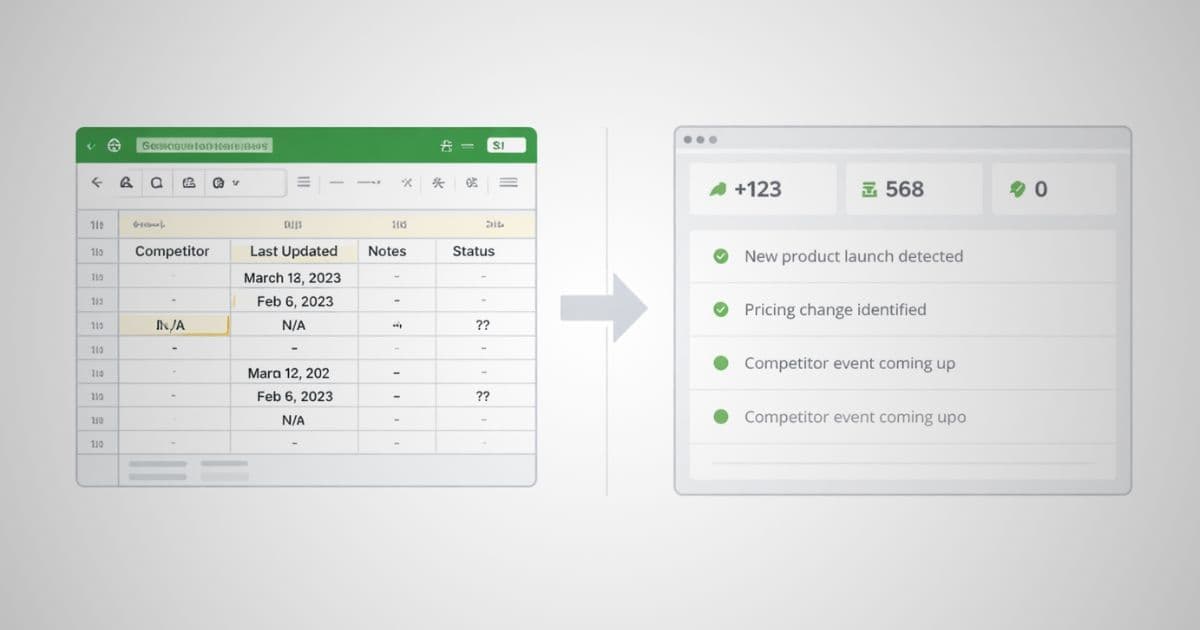
Most teams have one. A Google Sheet with a tab for each competitor. Columns for pricing, features, recent news. A "last updated" field that stopped being updated around Q3 of last year.
The spreadsheet exists because tracking competitors matters. It stops getting updated because manual tracking is inconsistent. The irony is that the spreadsheet starts as a solution and becomes evidence of the problem.
The spreadsheet has a "last updated" field. When that date is six months ago, the spreadsheet is not a system — it is a graveyard.
This post covers how to replace that spreadsheet with a process that actually runs without anyone having to remember to update it.
Step 1: Audit Your Current Competitor List
Before you move anything, spend 15 minutes on this: open your spreadsheet and make a list of the competitors actually worth tracking. Not every company in your competitive landscape. The three to five that come up most often in sales calls, customer conversations, or strategic planning.
This is the list you will add to Palrox. Tracking fewer competitors consistently is more useful than tracking many competitors sporadically.
If you are not sure which competitors deserve a slot, ask your sales team which names they hear most often from prospects. Those are the ones to start with.
Step 2: Identify the Pages That Matter
For each competitor, identify which pages are worth monitoring. The highest-signal pages for most B2B companies are:
Pricing page: catches the moves that affect sales conversations most directly. Features page: catches product direction and new capabilities. Homepage: catches positioning and messaging shifts. Blog page: catches strategic narrative and topic investment.
Do not track every page from day one. Start with pricing and features for each competitor. Add homepage and blog in week two once you know which alerts you actually read.
If a competitor has a product page or a changelog that is publicly accessible, those are worth adding too.
For most teams, these four to five pages per competitor are enough to catch the moves that matter. Adding more pages is easy later. Start focused.
Step 3: Add Competitors to Palrox
Sign up for Palrox and add your competitor list. For each competitor, paste the URL of the pages you identified in step two. Set your alert preferences — email alerts for changes, weekly summary for a compiled view of everything that changed.
This step takes under 10 minutes for most teams. Palrox starts building a baseline immediately. The first alerts typically arrive within 24 to 48 hours as the system crawls and establishes the starting state for each page.
Step 4: Set Up Your Weekly Review
The spreadsheet had no built-in rhythm. Palrox's weekly summary creates one automatically. Every Monday, a digest of everything that changed across all tracked competitors arrives in your inbox.
The first time you review it, block 15 minutes. After that, most weekly summaries take five to ten minutes to process. You read what changed, note anything relevant, and share anything your team needs to know.
This is the process that replaces the spreadsheet. One email per week. No manual checking. No "last updated" field.
What You Will Catch That the Spreadsheet Never Could
The spreadsheet caught what you remembered to add when you remembered to check. Palrox catches what actually changed, when it changed.
Practically, this means:
Pricing changes on a Tuesday evening that you would have found on Friday at the earliest. Feature page updates that appear before a formal product announcement. New blog posts that signal strategic direction before it becomes a product launch.
For a detailed look at what three specific missed signals cost over six months of manual tracking, read manual competitor tracking mistakes.
For the full cost picture of what manual tracking actually costs in time and intelligence value, read the real cost of manual competitor tracking.
The Transition: What to Keep, What to Drop
You do not need to delete the spreadsheet immediately. Some teams keep it as a home for qualitative notes and analysis that goes beyond page-level changes. That is fine. Palrox handles the monitoring. Your notes file handles the interpretation.
Do not keep both the spreadsheet and Palrox running as parallel systems. Pick one as your source of truth for monitoring or you will end up maintaining two things and trusting neither.
What to stop doing: manual page checking. Weekly "let's look at the competitor websites" sessions. The "last updated" field that nobody updates.
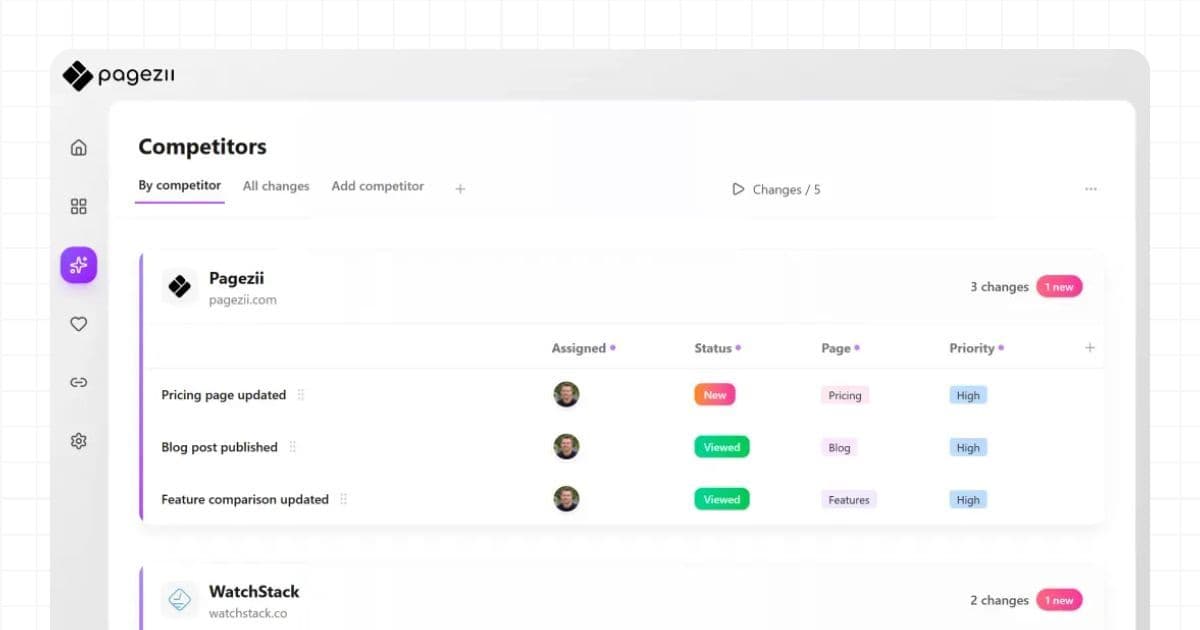
What Palrox handles: continuous monitoring of the pages that matter, alerts when something changes, weekly summaries, per-competitor reports, and a change history that builds over time.
Replace your competitor tracking spreadsheet once and let Palrox handle the checking automatically from that point forward.
About the Author

Youssef El Amrani
Product UX Desginer
Youssef El Amrani
Product UX Desginer
Youssef is a UX designer at Pagezii focused on intuitive SaaS interfaces, user research, and simplifying complex workflows.
Frequently Asked Questions
You need the URLs of the competitors you want to track. Pagezii handles the rest — crawling the pages, building a baseline, detecting changes, and sending automated competitor tracking alerts.
Audience Context
For teams still running competitor tracking in spreadsheets or Notion. They care because the spreadsheet feels like a system but stops getting updated the moment things get busy.
Related Insights
- Manual Competitor Tracking: Six Months of Missed Signals — What spreadsheets consistently fail to catch
- The Real Cost of Manual Competitor Tracking — Time and intelligence value you are losing
- 30 Days of Automated Competitor Tracking — What the first month after migration produces
- Is Pagezii the Right Tool for Your Stage — Fit guide before you make the switch
- Competitor Pricing Alerts for Sales-Led Teams — First signals to set up after migrating
References
- IBM. (2019, May 5). 4 reasons it’s time to move from spreadsheets to planning software. IBM Think.
https://www.ibm.com/think/insights/4-reasons-its-time-to-move-from-spreadsheets-to-planning-software - AppIt Ventures. (2024, March 17). The risks of using spreadsheets for business processes.
https://appitventures.com/blog/how-spreadsheets-are-bad-for-business - Poon, P.-L., et al. (2024, August 13). Study finds 94% of business spreadsheets have critical errors. Phys.org.
https://phys.org/news/2024-08-business-spreadsheets-critical-errors.html - Imaginovation. (2025, September 15). Replacing spreadsheet-driven workflows with custom AI automation.
https://imaginovation.net/blog/replace-spreadsheets-with-custom-ai-automation/ - Refitted. (2026, January 13). Google Sheets vs dedicated software: When a spreadsheet is not enough.
https://www.refitted.dev/blog/google-sheets-vs-dedicated-software
Disclaimer
This article is provided for informational purposes only. Pagezii aims to share practical insights on competitor tracking and market intelligence but does not guarantee completeness, accuracy, or specific business outcomes.